Rebuild guide → · All benchmarks →
#Tersler
A ~€620 local-LLM box (GPUs included) built around two used NVIDIA Tesla P100 16 GB cards (32 GB HBM2). It serves Qwen3.8 Flash-Next (IQ3_S) on Strata (qr0n's P100 build): 56–64 tok/s decode with MTP, ~350 tok/s prefill, 262k context, image input, lean_bench 0.983. The original target was the reference build's ~50–67 tok/s on a 27B Q6_K model with MTP speculative decoding (reference recipe); the 27B on a P100-tuned llama.cpp fork reached 55–59 tok/s and stays installed as the alternative.
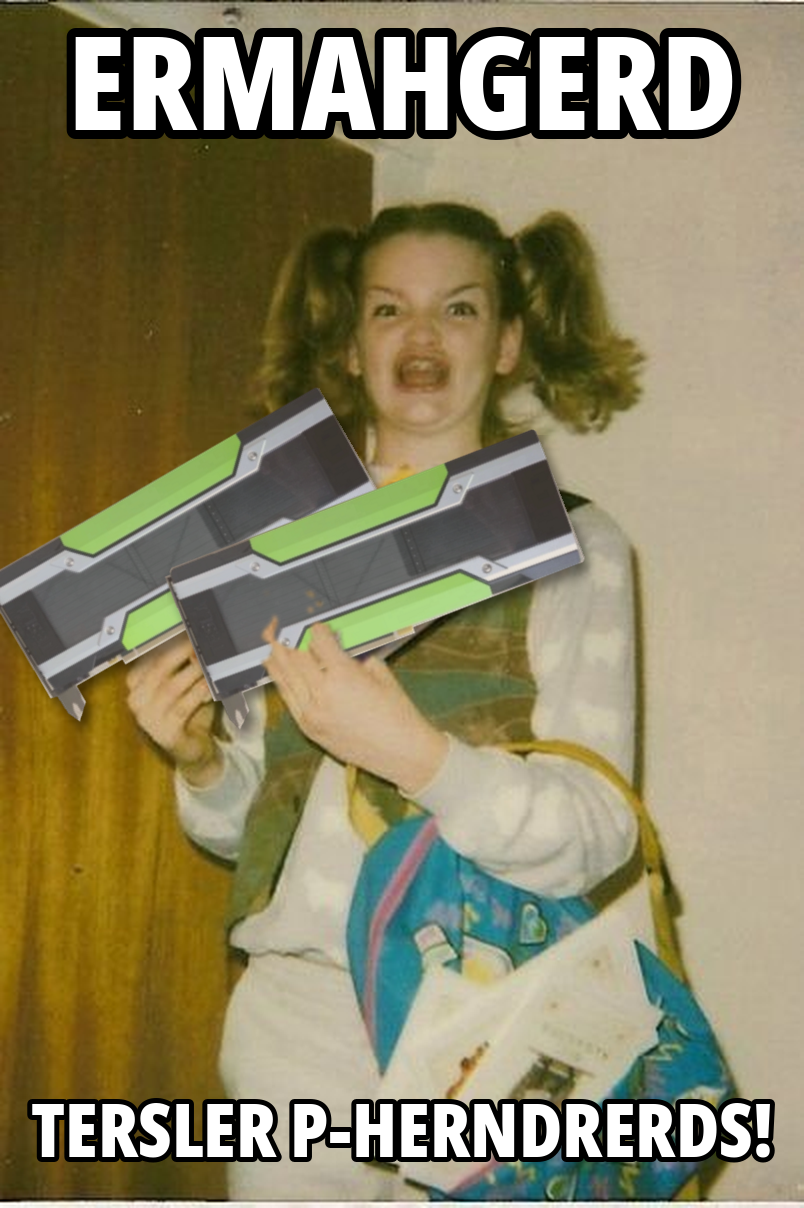
The name comes from the homepage meme ("ERMAHGERD, TERSLER P-HERNDRERDS!"). The working title was junk-rig; hostname, paths, commands and services were renamed on 2026-11-10 (install/rename-from-junk-rig.sh). /opt/junk-rig stays as a symlink to /opt/tersler for anything that still has the old path built in.
Status: running since 2026-11-06. Since 2026-11-10 it serves Qwen3.8 Flash-Next (IQ3_S) on Strata: lean_bench 0.983, ~45-65 tok/s, images, 262k context. The 27B Q6_K on llama.cpp (55-59 tok/s) stays installed as the alternative (benchmarks, changelog). To build one yourself, follow the rebuild guide. Open items: TODO.md.
#Hardware
| Board | ASUS Z10PA-U8 (C612, LGA2011-3); GPUs in PCIE6 + PCIE4 = x16/x16 Gen3 |
| CPU | Xeon E5-2690 v3 |
| RAM | 4 × 16 GB DDR4-2133 RDIMM in A1/B1/C1/C2 at 1866 MT/s; channel D dead (see hardware notes) |
| Storage | 256 GB SATA SSD |
| PSU | Seasonic SSP-650RT 650 W; GPUs capped at 150 W each |
| Cooling | one 120 × 38 mm fan + 3D-printed duct over both cards (shroud/) |
Details: docs/bom.md (parts and links), docs/hardware-notes.md (slots, BIOS, power cable, cooling), docs/research.md (how the parts were chosen).
#Software
OS: a prebuilt headless Ubuntu 24.04 image that boots into SSH, written to the SSD with dd (image/README.md). Then, on the rig in ~/tersler:
cp install/tersler.local.conf.example install/tersler.local.conf   # set MODEL_URL
sudo ./install/install.sh          # all stages; reboot when told, run it again
sudo ./install/install.sh --list   # stages and their state
sudo systemctl start tersler-llama| Command (after install) | Purpose |
|---|---|
tersler-server | run llama-server with the configured model and flags |
tersler-strata-server | run Strata (Flash-Next) instead; SERVE_ENGINE=strata makes it the boot default (research) |
tersler-bench [build] | benchmark a build, append to /opt/tersler/bench/results.csv |
tersler-check-updates | what changed upstream (fork, drivers, CUDA, model, new projects) |
tersler-fan-control --discover | find the board's PWM fan outputs for GPU-temperature fan control |
tersler-gpu-setup | persistence mode + power limit (runs at boot) |
Everything is pinned in install/tersler.conf. How to follow upstream safely: docs/keeping-up.md.
#Layout
image/     build-image.sh: dd-able Ubuntu 24.04 server image (cloud-init seed)
install/   install.sh, config, systemd units, watched upstreams
scripts/   runtime tools (installed to /opt/tersler/bin)
bench/     benchmark prompts
shroud/    OpenSCAD duct design + STL + previews
docs/      rebuild guide, research, BOM, hardware notes, reference recipe, keeping up, changelog
bench/data/  benchmark results (tersler-bench, lean_bench, load and multi-session tests)
site/      static website generator (python3 site/build.py)
docs/reference/  ASUS Z10PA-U8 user guide, Dell T5810 spec sheet